
If you’re searching for “how do I get back my hacked Instagram account”, chances are your access has been blocked, your email or password has been changed, or your account is posting suspicious content. For individuals, creators, and brands, a hacked Instagram account is not just a security issue—it’s a reputation and business risk.
At Level Up PR, we help brands and professionals navigate digital crises, including social media account recovery. This guide explains the correct, policy-approved steps to recover your hacked Instagram account safely and effectively.
Step 1: Check for Instagram’s Security Email
When an Instagram account is hacked, the platform usually sends an alert from security@mail.instagram.com.
If you receive an email saying your email address or password was changed:
- Open the email immediately
- Click “Secure your account” or “Revert this change”
- Follow the instructions to restore access
This is the fastest recovery method if the email is still accessible.
Step 2: Use Instagram’s Official “Hacked Account” Recovery Option
If you can’t log in and the hacker has changed your credentials:
- Open the Instagram app
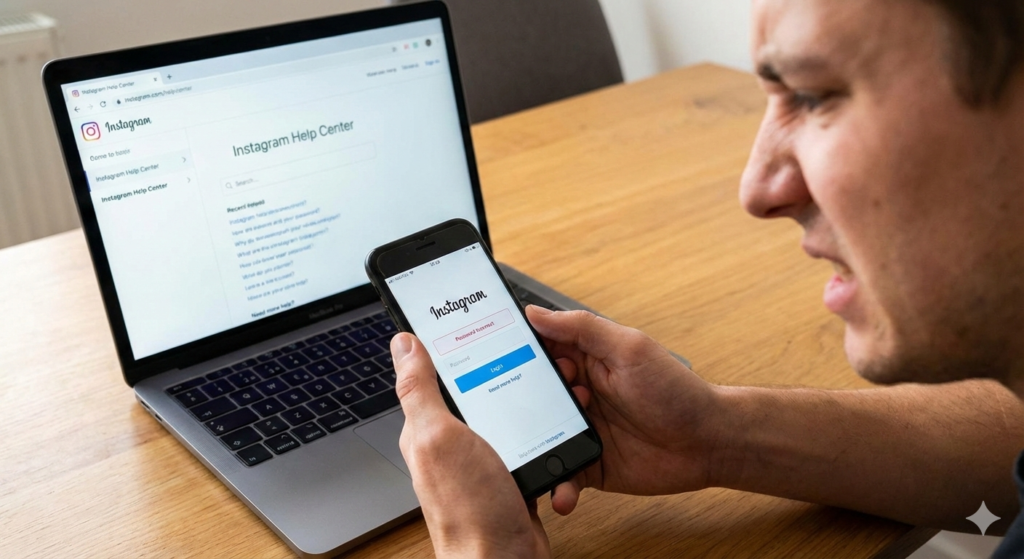
- Tap Forgot password?
- Select Need more help?
- Choose My account was hacked
- Enter your username or original email
- Submit the recovery request
This sends your case directly to Instagram’s security review team.
Step 3: Complete Identity Verification Carefully
Instagram may require proof that you own the account. This can include:
- A selfie video
- A photo holding a handwritten verification code
- Government-issued ID (commonly for business or creator accounts)
Accuracy is critical. Blurry images, incorrect details, or rushed submissions can delay or reject recovery requests.
Step 4: Monitor Your Email and Respond Promptly
All communication from Instagram during recovery happens via email.
- Check inbox, spam, and promotions folders
- Respond quickly if Instagram asks for additional verification
Recovery timelines typically range from 24 hours to 14 days, depending on the account type and case complexity.
Step 5: Secure Your Account After Recovery
Once access is restored, take immediate action:
- Change your Instagram password
- Change your email password
- Enable two-factor authentication
- Remove suspicious third-party apps
- Review login activity and devices
Post-recovery security is essential to prevent repeat hacks.
Common Mistakes That Reduce Recovery Success
Many users lose valuable time due to avoidable errors:
- Submitting multiple recovery appeals simultaneously
- Using fake “guaranteed recovery” services
- Sending emotional or aggressive messages to Instagram
- Creating duplicate accounts during recovery
- Clicking unverified links claiming to help
Instagram prioritizes clear, policy-compliant requests—not urgency or pressure.
Why Instagram Accounts Get Hacked
Understanding the cause helps prevent future incidents. Common reasons include:
- Weak or reused passwords
- Phishing emails or fake verification messages
- Third-party apps with excessive permissions
- Logging in on public or unsecured networks
Brands and creators are frequent targets because of their visibility.
When Professional Guidance Is Needed
If your Instagram account is:
- A business or brand asset
- Used for sales, leads, or partnerships
- Central to your public image
Professional support can help ensure the recovery process is handled correctly.
How Level Up PR Supports Account Recovery
Level Up PR assists clients by:
- Structuring compliant recovery submissions
- Guiding identity verification correctly
- Advising on brand risk during downtime
- Strengthening long-term account security
Our approach focuses on protecting both access and reputation.
Final Thoughts
If you’re asking “how do I get back my hacked Instagram account”, the answer lies in acting quickly, following Instagram’s official process, and avoiding shortcuts that can worsen the situation.
For brands, founders, and creators, proper handling ensures not just recovery—but long-term digital safety.
